
A log collection policy allows you to configure different collectors and fetchers to multiple devices at once.
In Director Console, you can add a collector or a fetcher to a log collection policy from the built-in collectors/fetchers section. Once you add the required collectors and fetchers, you can configure the policy to a device. The device uses the collectors and fetchers from the policy, which helps to speed up the configuration process.
Note
You can configure log collection policies for Fabric-enabled LogPoint v6.7.2 and later.
Refer to the required collector or fetcher section to configure it to a log collection policy.
Go to Configure >> Entities >> Log Collection Policies.
Select the LogPoint instances where you want to configure the log collection policy.
Click Next.
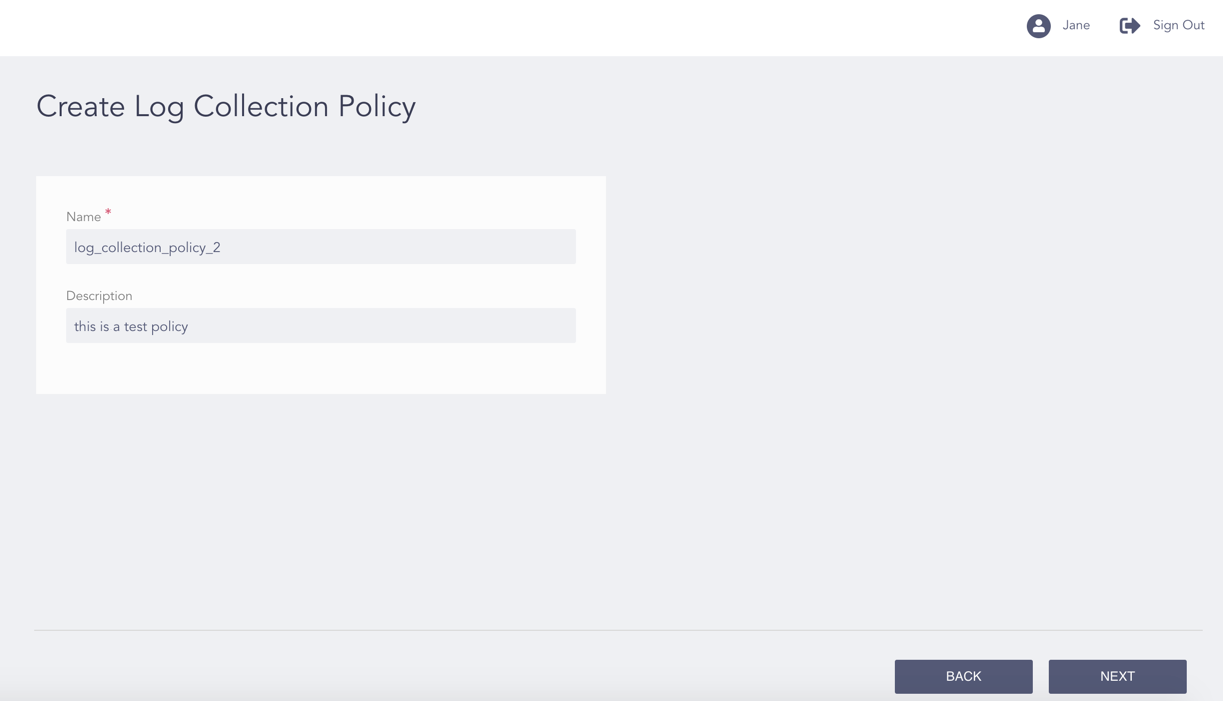
Configuring the Log Collection Policy
Enter a Name for the policy.
Enter its Description.
Click Next.
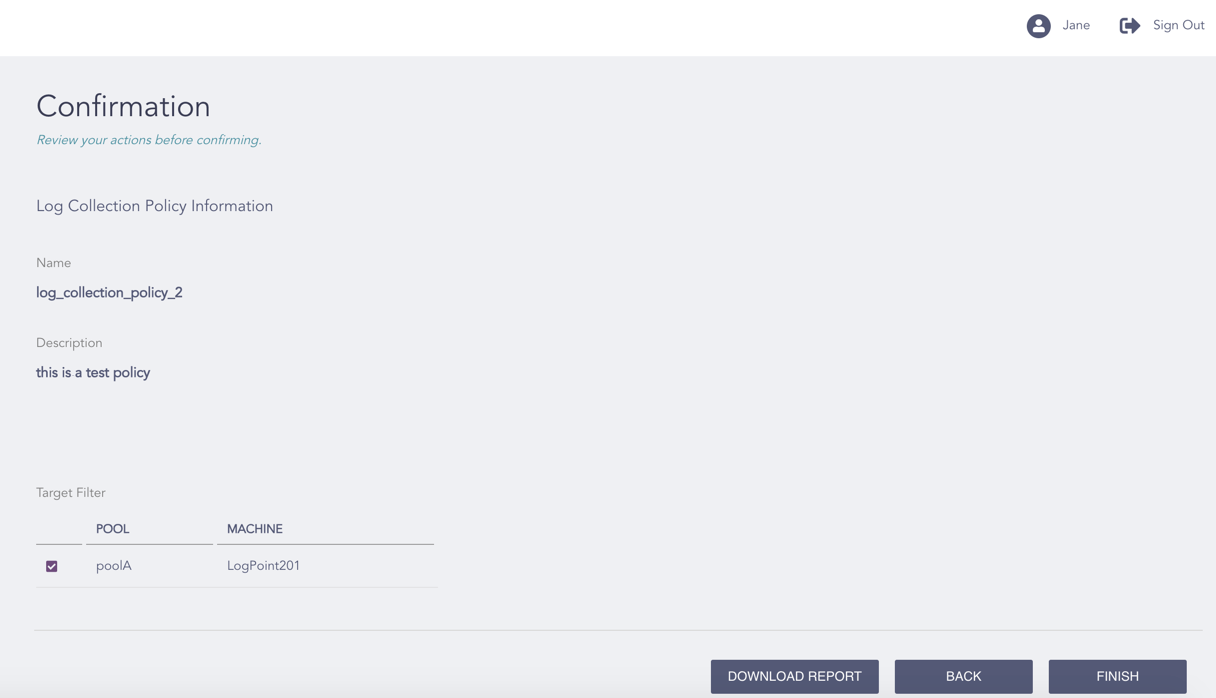
Confirming the Changes
Review your changes. You can go Back to make any changes if necessary.
Note
Click Download Report to save the summary of the task in PDF.
Click Finish.
Click OK.